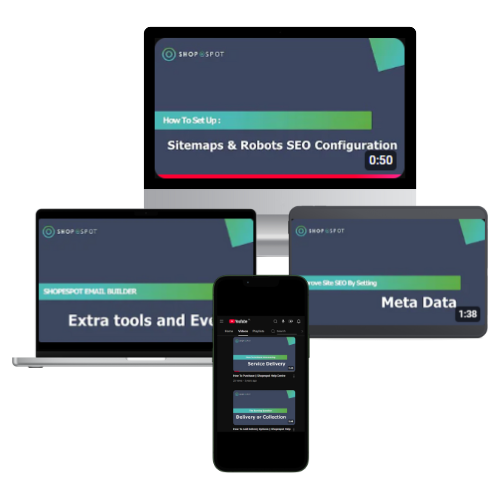
The Ultimate Guide to Building Your Website
Find out how to navigate your way through creating an interactive, fully functional and attractive website using the Shopespot platform. We guide you through every area, ensuring that you always know exactly what to do to achieve the desired results.
Intergrations >>>









Choosing your website template
In order to select a Website Template for your site, carry out the following steps:
Under Configuration, select Website Templates
Choose the template that best suits your business and click on "View Template
After reading through the template description, you can either preview the template or select and apply it to your website
Click on Choose Template
Choose what you'd like to import and replace thereafter from the list of available options
Click on Import Template in order to apply the changes
Once the steps above have been completed, refresh your page to see the changes take effect.
Request Documented Learner Guide